Start
Describe it
One sentence about the job to be done. No wireframes, no jargon, no technical plan needed.
Software for your business, in plain words
Tell BrainHalf what your business needs to keep track of. Watch your app take shape, try every button, and share it with customers at your own web address.
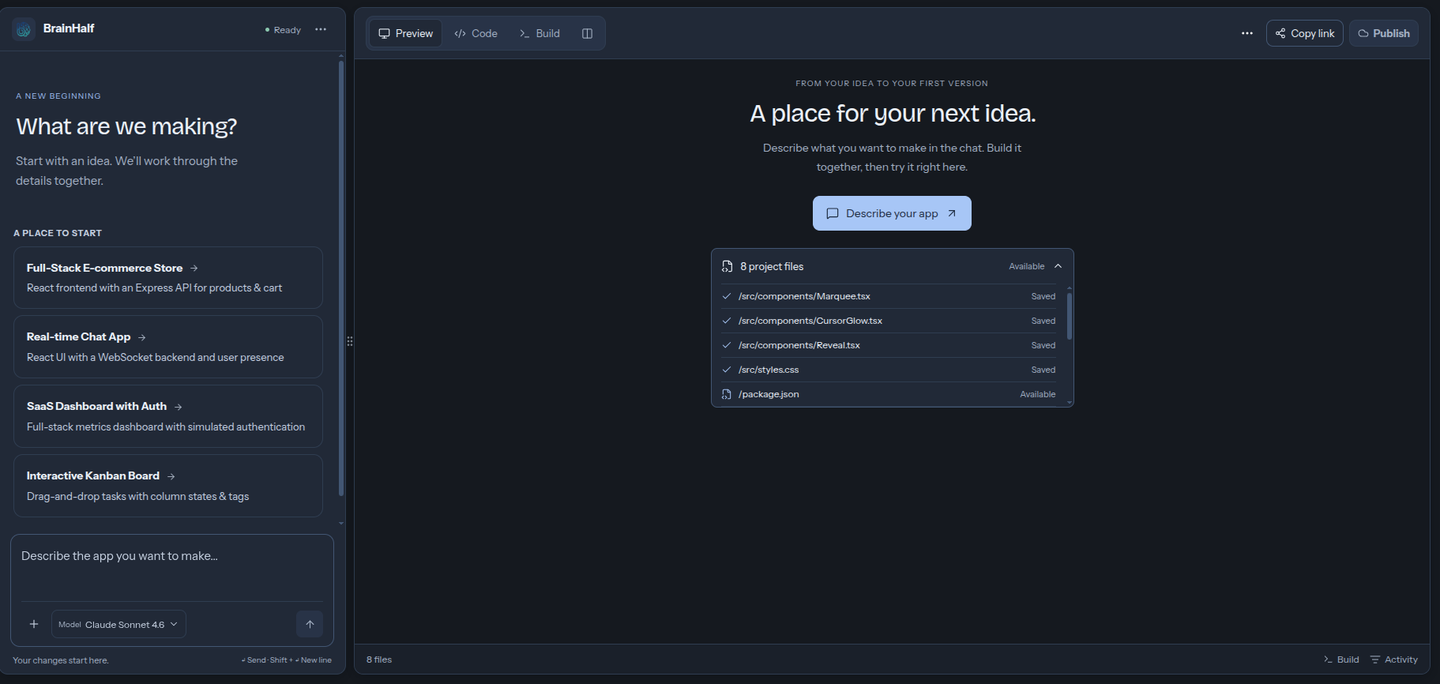
Try it right here
These are the kinds of working tools people build. Click through them — every button does something.

It starts with an idea like this
"Build an inventory tool for a small business. Save products with SKU, quantity and reorder level in a database. Let me add products, adjust stock and see low-stock alerts. Require sign-in and keep each business’s records private."
Fills in your first prompt above — change anything before you build.
| Product | On hand | Status |
|---|---|---|
| Coffee beansCB-101 · 1kg bags | 24 | In stock |
| Oat milkDM-014 · cartons | 3 | Low stock |
| Paper cupsPK-008 · sleeves | 12 | In stock |
Oat milk is running low. Try updating the stock.
Interactive example with sample data. Your own business records stay in your own app.Start from this idea
Made for retail shops, cafés & restaurants, farms, clinics, warehouses, schools, freelancers, and nonprofits. If you run it on spreadsheets and memory, it can be software.
From the gallery
Real apps, published by their owners. Open one — every button does something.
How it works
You set the direction and make the decisions. BrainHalf does the building.
Step 1
One job is enough to start: tracking stock, taking bookings, or following up with customers. Write it the way you would explain it to a person.
Step 2
Click through your app, try things out, and ask for changes in plain language. The screens, the saved information, and sign-in all update together.
Step 3
We check that everything works before anything goes live — and tell you in plain words if something needs fixing. Then your app gets its own web address to share with customers.
Your sentence becomes a plan
Your sentence becomes a plan
Everything included
The whole journey lives in one place — nothing to stitch together, nothing to install.
One sentence about the job to be done. No wireframes, no jargon, no technical plan needed.
See your app take shape as it is built, and click through it any time.
Ask for changes in plain words. Screens, data and sign-in update together.
Every app saves its records properly — not in a spreadsheet, not in memory.
Customers sign in with Google or email. Their records stay private to them.
We check that everything works before anything goes live — and tell you in plain words if something needs fixing. Then your app gets an address you can share with customers.
Built on trust
Software you can't trust is worse than no software. Here is what you can count on.
Your business records live in your own app's database, private to your sign-in. Nothing is shared, sold, or mixed with anyone else's.
Every app is verified to work before it can be published. If something needs fixing, you get told in plain words — not an error code.
Published apps get their own web address to share with customers. Take it offline any time; your data stays put.
Questions
Straight answers, no sales talk.
BrainHalf turns a plain-words description into a working app for your business — like a stock tracker or booking app. You describe it, try it, and share it with your customers. No coding needed.
Yes. Building and refining apps is free. Project and usage limits still apply. Services you connect yourself, like a custom website name or email provider, may have their own costs.
No. Describe what you want in plain words, the same way you would explain it to a person, and ask for changes the same way.
Start with an inventory tool, booking app, simple CRM, task manager or customer portal. Describe what information the app keeps and what people can do with it, then try those steps before sharing it.
Yes. You can download your project’s files and continue working in your own tools. Your saved information stays separate and needs its own setup on another host.
While you build, you can try your app right away. When you are happy with it, one click puts it on the web with its own address.
Start free
Start with a sentence. See where it takes you.
Start building